
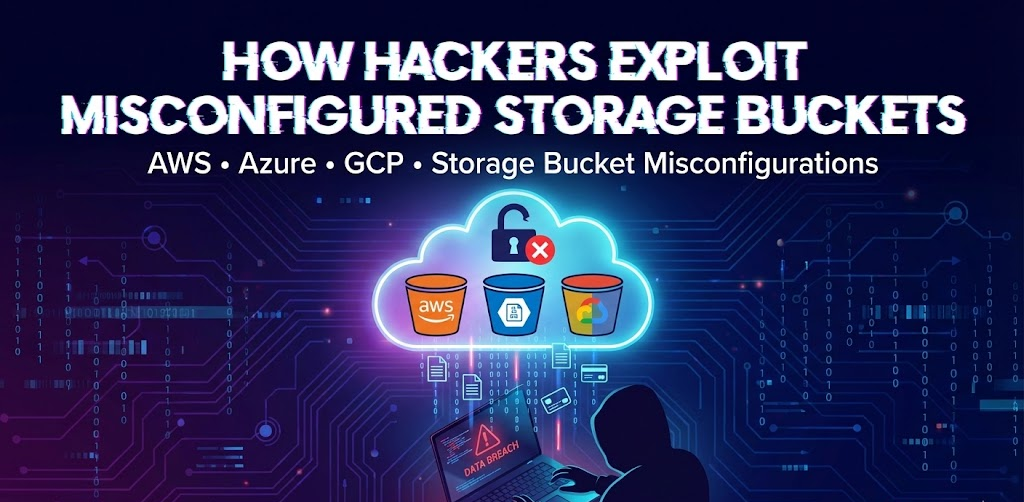
In the cloud, data doesn’t live on a hard drive under your desk; it lives in “buckets.” Whether you use AWS S3, Azure Blob Storage, or Google Cloud Storage (GCP), these buckets are the backbone of modern applications.
But they are also one of the biggest security blind spots.
A single misconfigured bucket can expose millions of customer records, financial data, or proprietary code to the public internet. In this post, we will break down exactly how hackers find and exploit these storage bucket misconfigurations, and how you can lock yours down.
How Hackers Find Your “Hidden” Buckets
Many developers assume that if they don’t share the URL, no one will find their bucket. This is a dangerous myth. Hackers don’t guess URLs; they use automation to hunt them down.
1. Automated Scanners & “Dorking”
Hackers use specialized tools like S3Scanner, Slurp, or MicroBurst (for Azure) to scan thousands of potential bucket names per second. They also use “Google Dorks”—advanced search queries—to find indexed buckets.
- Example: A simple search for
site:s3.amazonaws.com "confidential"can sometimes reveal publicly indexed files that should be private.
2. Certificate Transparency Logs
When you connect a bucket to a custom domain (e.g., assets.company.com), that domain is logged in public Certificate Transparency logs. Hackers monitor these logs to discover new subdomains and check if the underlying storage buckets are unsecured.
The Attack Chain: From Discovery to Data Breach
Once a hacker finds an exposed bucket, they typically look for three things: Data, Keys, or Malware distribution.
1. Data Exfiltration (The “Download Everything” Attack)
The most common exploit is simple theft. If a bucket allows “Public Read” access, a hacker can simply list all files and download them.
- The Risk: PII (Personally Identifiable Information), database backups, and intellectual property are stolen without triggering a typical firewall alarm because the traffic looks legitimate.
2. Lateral Movement via Hardcoded Credentials
Hackers often scan buckets for config files, .env files, or scripts. Lazy developers sometimes leave AWS Access Keys or Azure SAS tokens inside these text files.
- The Exploit: The hacker downloads a script from a low-level bucket, finds an Admin API key inside it, and uses that key to take over your entire cloud environment.
3. Malware Injection (The “Watering Hole” Attack)
If a bucket has “Public Write” permissions, it’s game over.
- The Exploit: A hacker replaces a legitimate file (like
logo.pngorjquery.js) on your website with a malicious version. When your customers visit your site, their browser loads the hacker’s malware instead of your image. This effectively turns your own website into a weapon against your users.
Real-World Case Studies
These aren’t theoretical risks. Here is how major players got burned by simple bucket mistakes.
Azure: The Microsoft AI Research Leak (38TB)
- The Mistake: Microsoft’s own AI research team accidentally exposed 38 Terabytes of data. They used an Azure SAS (Shared Access Signature) token to share a specific set of open-source training data but accidentally configured the token to allow “Full Control” over the entire storage account.
- The Impact: This exposed not just the public models, but also private employees’ computer backups, passwords, and over 30,000 internal Teams messages.
AWS: The Capital One Breach
- The Mistake: A misconfigured web application firewall (WAF) allowed an attacker to query the metadata service and gain access to an AWS S3 bucket containing credit card applications.
- The Impact: Over 100 million customer records were compromised. It remains one of the most infamous examples of how a single cloud misstep can lead to a massive catastrophe.
GCP: The “Alice’s Table” (Shark Tank) Leak
- The Mistake: A generic misconfiguration in a Google Cloud Storage bucket left thousands of files publicly accessible.
- The Impact: Sensitive data belonging to the company (which appeared on Shark Tank) and its customers was exposed, including home addresses and contact details.
How to Secure Your Buckets Immediately
Protecting your data requires a “deny by default” mindset.
- Block Public Access Globally:
- AWS: Enable “Block Public Access” at the account level. This overrides any individual bucket setting that might accidentally be set to public.
- Azure: Disallow “Blob public access” on the storage account configuration.
- GCP: Enforce “Public Access Prevention” on your buckets.
- Audit Your Permissions: regularly use tools like AWS Trusted Advisor, Azure Advisor, or GCP Security Command Center to scan for open resources.
- Use Short-Lived Tokens: Never hardcode credentials. If you must share data, use temporary credentials (like AWS Presigned URLs or Azure SAS tokens with short expiration times) rather than making the bucket public.
Key Takeaway
Storage buckets are not just folders; they are public-facing servers if configured incorrectly. Treat every bucket as if it is on the open internet, because for hackers, it is.
More Articles Like this
https://cybelangel.com/blog/misconfigured-cloud-assets