
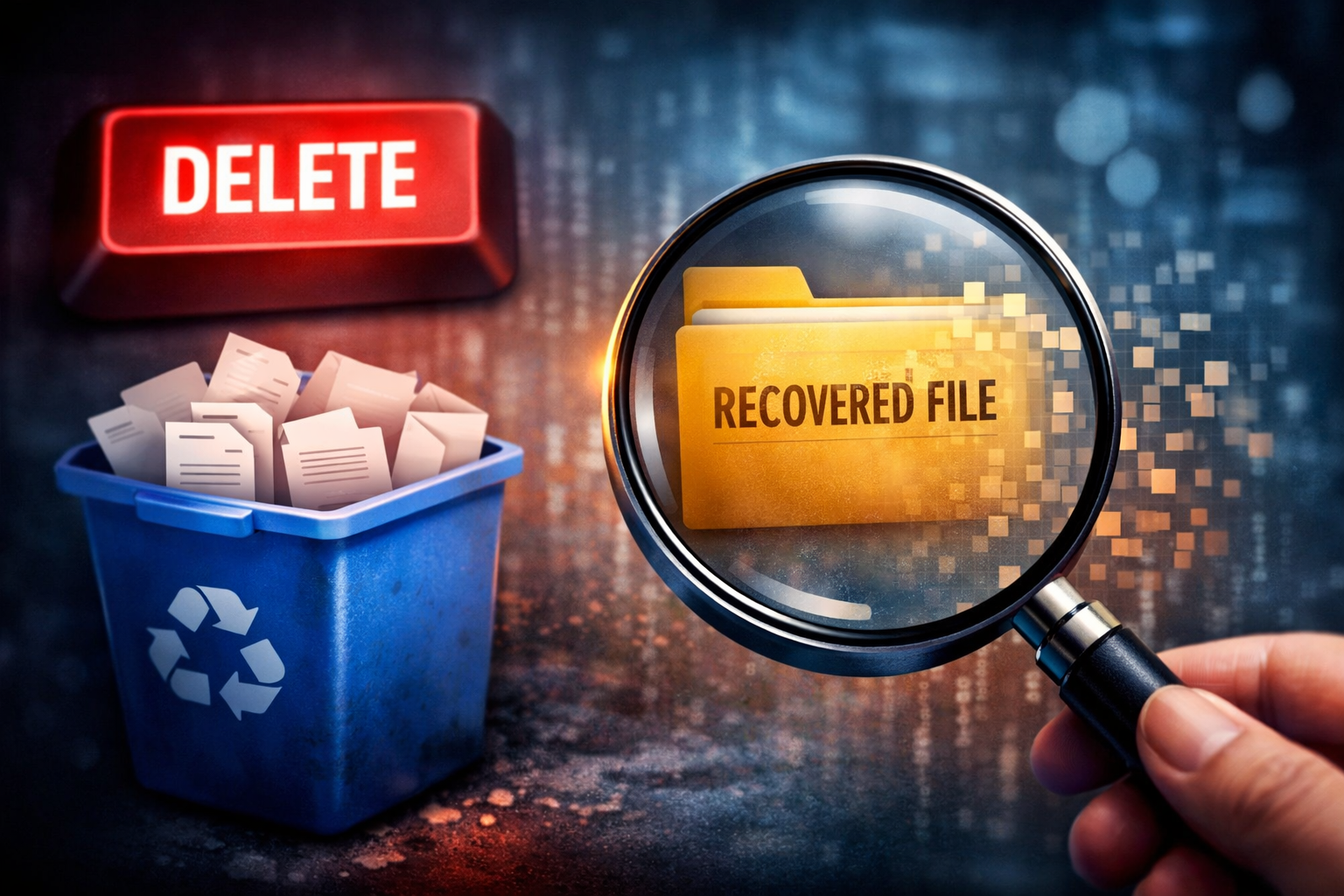
I used to believe that once a file was deleted, it was gone for good.
Empty the Recycle Bin? Gone.
Format the drive? Completely erased.
End of story.
For a long time, that belief felt obvious—almost common sense. After all, if my computer can no longer see the file, how could it possibly still exist?
But the more I learned about how operating systems and storage devices actually work, the more that belief started to fall apart. And when it finally clicked, it wowed me.
What I discovered is this: deleting a file usually doesn’t delete the data itself.
In most cases, the operating system simply marks the space where that file lived as free, making it available for new data to overwrite later. Until that overwrite happens, the original file often still exists quietly in the background—out of sight, but not gone.
That realization completely changed how I think about data loss, file recovery, and even formatting drives.
What “Delete” Really Means
When you delete a file, your computer doesn’t rush to erase all the bits and bytes that make it up. That would actually be inefficient and slow.
Instead, the operating system removes the file’s reference from its internal index (the file system). It’s basically saying:
“I don’t need to keep track of this anymore.”
The data itself remains on the disk, untouched, until something else needs that space.
A good way to think about it is this:
Deleting a file is like removing a book from a library catalog without throwing the book away. The book is still on the shelf—you just don’t know where to find it anymore.
Why Deleted Files Can Be Recovered
This is exactly why data recovery software works.
As long as:
- The space hasn’t been overwritten
- The drive hasn’t been securely wiped
- The storage device allows it
…the data can often be reconstructed.
That’s also why timing matters. The more you use your computer after deleting a file—downloading files, browsing the internet, installing updates—the higher the chance that new data will overwrite the old one.
Ironically, “doing nothing” is often the best thing you can do after accidental deletion.
Formatting a Drive Isn’t Always What You Think
Here’s another mind-bender: formatting a drive doesn’t necessarily erase your data either.
A quick format usually:
- Deletes the file system structure
- Leaves most of the actual data intact
This is why files can often be recovered from formatted drives, especially traditional hard drives (HDDs). Formatting often just removes the map, not the land.
A full format, on the other hand, may overwrite the data—depending on the operating system and settings—making recovery far less likely.
HDDs vs SSDs: Where the Rules Change
This is where modern storage flips the script.
Hard Disk Drives (HDDs)
- Store data magnetically
- Do not clean up deleted data automatically
- Deleted files can survive for a long time
This makes HDDs surprisingly forgiving when it comes to recovery.
Solid State Drives (SSDs)
SSDs introduced something called TRIM.
When you delete a file on an SSD:
- The OS tells the drive the data is no longer needed
- The SSD proactively clears those memory blocks
- Performance improves—but recovery becomes extremely difficult
In simple terms:
SSDs don’t wait for overwriting. They clean house early.
So while HDDs cling to deleted data, SSDs tend to let go much faster.
Why Recovered Files Often Have Weird Names
Another interesting detail: when files are recovered, their names and folder structures are often gone.
That’s because:
- File metadata is usually deleted first
- Recovery tools scan raw data blocks
- Files are reconstructed based on patterns, not labels
This is why recovered files often look like:
file_1023.jpg
file_1024.pdf
The data survived—but its identity didn’t.
Why This Still Matters (Even If It Feels Late)
I realized all of this later than I wish I had. I’ve formatted drives, deleted folders, and assumed certain data was lost forever.
But understanding how deletion really works is still incredibly valuable:
- It helps you react correctly after accidental deletion
- It explains why recovery sometimes works—and sometimes doesn’t
- It makes you more intentional about backups and secure deletion
Most importantly, it replaces myths with understanding.
Final Thought
Deleted files aren’t immortal—but they aren’t instantly destroyed either.
They exist in a quiet in-between state, waiting to be overwritten or erased for real. Whether they survive depends on your storage type, your operating system, and what you do next.
And once you understand that, you never look at the “Delete” button the same way again.
More Posts like this
-
How to Load Test a Backend Server: Complete Guide for DevOps Engineers (2026)
Load testing is not optional—it’s essential. When your application fails under peak traffic, you don’t just lose users; you lose revenue, reputation, and trust. According to industry research, 34.7% of software engineers consider poor performance testing one of their biggest challenges. When systems fail during Black Friday sales, product launches, or viral moments, the cost […]
-
The Paradox of Infinite Knowledge: Why Access Doesn’t Equal Fulfillment
We live in the most information-rich era in human history. With a single prompt, you can learn cloud computing.With a single search, you can understand physics.With a single video, you can change your career. Knowledge, once scarce and sacred, is now abundant and instantaneous. And yet, something feels missing. This is the paradox of our […]
-
Why Documentation Is a Love Letter to Your Future Team (And Your Career)
“Documentation is a love letter to the next engineer who will onboard into your team.” I wish someone had told me this when I started as a freelance DevOps engineer. Instead, I learned it the hard way—working across more than eight startups, watching the same pattern repeat itself over and over again. Great engineers building […]
-
The Biggest Mistake I Made as a Junior DevOps Engineer
One of the biggest mistakes I made as a junior DevOps engineer had nothing to do with tools. It had everything to do with how I thought about systems. How I Started: Fast Learner, Wrong Focus When I started my DevOps career, I was a very fast learner. Honestly, I believe that’s an ability God […]
-
Top 10 Cyber Security Tools to Learn in 2026 (For Career Success)
The cybersecurity industry is booming. With cyber attacks increasing by over 38% year-over-year and the average cost of a data breach reaching $4.45 million according to IBM’s 2024 Cost of Data Breach Report, organizations are desperately seeking skilled security professionals. But here’s the challenge: having a cybersecurity degree or certification isn’t enough anymore. Employers want […]
-
How to Check If Your Windows Is Genuine or Pirated in 2026 (5 Simple Methods)
Did you buy a used laptop? Downloaded Windows from a suspicious source? Installed Windows using a third-party activator? Or simply curious whether your Windows license is legitimate? You’re not alone. Millions of people worldwide unknowingly run pirated or non-genuine copies of Windows, exposing themselves to security risks, malware, missing updates, and potential legal issues. The […]





[…] How to Recover Deleted Files After Emptying the Recycle Bin […]