
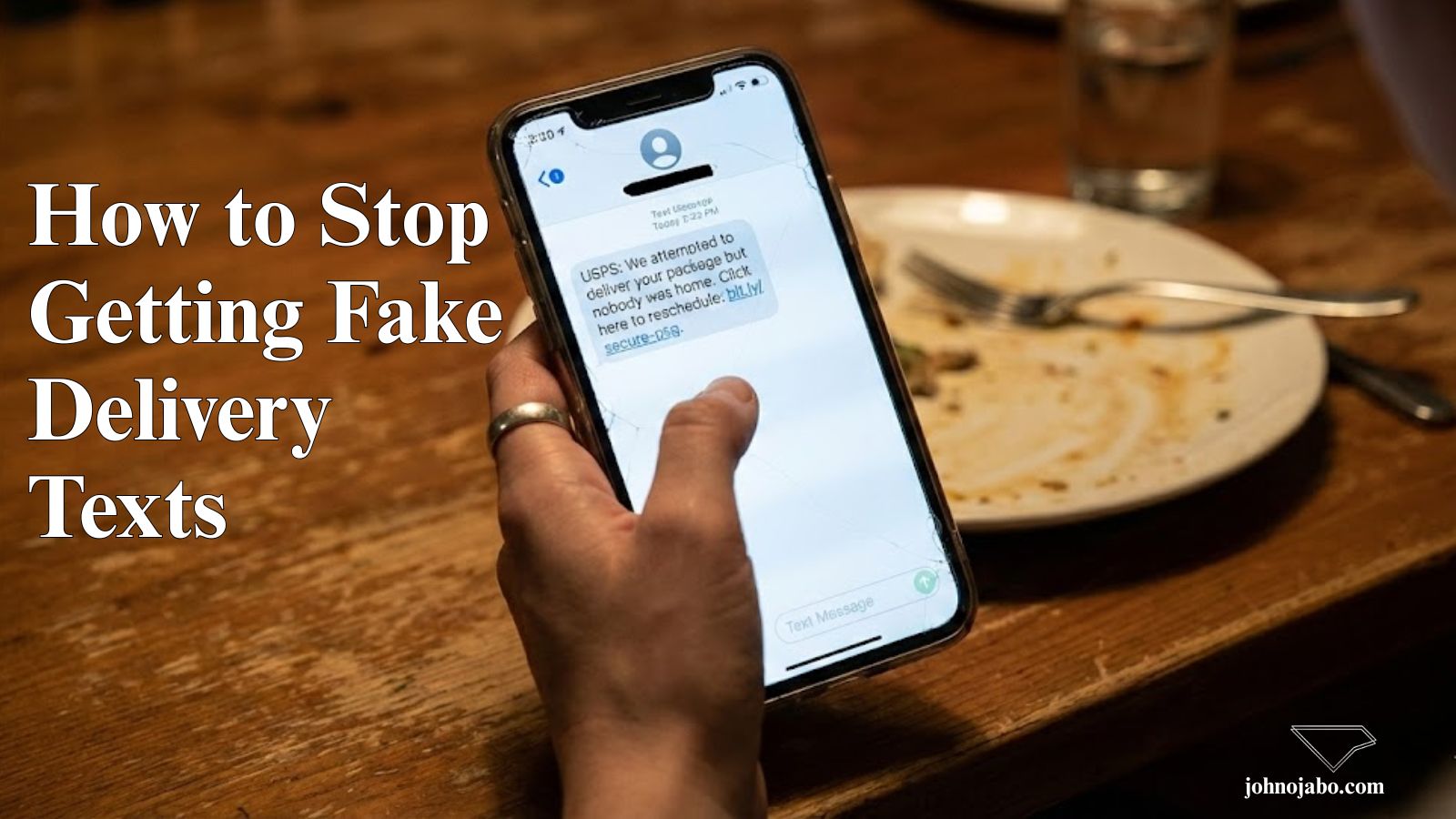
We have all been there. You are sitting at dinner, your phone buzzes, and you see a text message: “USPS: We attempted to deliver your package but nobody was home. Click here to reschedule.”
You pause. Did you order something? Maybe you forgot?
Stop right there.
This is not a notification; it is a trap. It is called “Smishing” (SMS Phishing), and it is currently the fastest-growing cyber threat targeting mobile phones.
Here is the truth about those texts and how you can safeguard your phone number today.
What is “Smishing”?
Smishing is exactly like email phishing, but it happens via text message. Scammers use urgent language to trick you into clicking a malicious link.
Once you click, one of two things usually happens:
- The Malware Download: The link installs software on your phone that steals your contacts and passwords.
- The Fake Form: The link takes you to a fake website (that looks just like Amazon, FedEx, or your bank) asking for your credit card number to pay a small “redelivery fee.”
3 Dead Giveaways of a Fake Text
Scammers are getting smarter, but they always make mistakes. Look for these three red flags:
1. The “Urgency” Trap
Scammers want you to panic. They use phrases like “Final Notice,” “Account Suspended,” or “Immediate Action Required.” Real companies rarely suspend accounts via a random text message.
2. The Strange Number
Does the text come from a normal 10-digit phone number (like +1 555-0199) instead of a verified 5-or-6 digit “short code” (like 22334)? Large companies like Amazon or UPS almost always use short codes. If “Netflix” is texting you from a personal mobile number, it’s a scam.
3. The Weird Link
Look closely at the URL.
- Real:
ups.com - Fake:
ups-delivery-status-update.comorbit.ly/2x9...
If the link looks like a jumbled mess of letters or uses a slightly misspelled version of the company name, do not click it.
How to Handle a Smishing Attack (Do’s and Don’ts)
- DON’T reply: Typing “STOP” often just confirms to the scammer that your number is active, which leads to more spam.
- DON’T click the link: Even just clicking can sometimes alert them that you are a target.
- DO report it:
- iPhone: Swipe left on the message and tap “Report Junk.”
- Android: Long press the message and select “Block & Report Spam.”
- Universal: Forward the text to 7726 (SPAM). This is a free service supported by most carriers that helps investigate the number.
The Bottom Line
Your phone number has become just as sensitive as your Social Security number. Protect it. If you are ever unsure if a text is real, close your messaging app, go to the company’s official website or app directly, and check your status there.
Stay safe, and don’t click that link.
More articles like this: https://johnojabo.com/how-hackers-exploit-misconfigured-storage-buckets-aws-azure-gcp/
https://johnojabo.com/why-you-should-stop-oversharing-on-social-media/
https://www.kaspersky.com/resource-center/preemptive-safety/how-to-stop-spam-texts